

Marketing Automation for Small Business: 10 Workflows
Small businesses often lose potential customers for a simple reason: they cannot respond, follow up, and nurture every lead manually. A new inquiry may arrive while the team is busy, a sales follow-up may be forgotten, or an interested prospect may never hear from the business again. Automation for Small Business can solve these gaps by turning repetitive marketing and sales tasks into consistent workflows. Instead of replacing people, good automation gives your team more time to focus on conversations, customer service, strategy, and closing opportunities.
What Is Marketing Automation for Small Business?
Marketing automation uses software to perform repetitive marketing and customer-management tasks based on predefined triggers and rules.
For example, when someone submits a website form, an automation can immediately send a confirmation email, create a CRM contact, notify a salesperson, and schedule a follow-up task.
A simple automation workflow looks like this:
Trigger → Automated Action → Follow-Up → Human Interaction → Conversion
Common triggers include:
Website form submission
New CRM contact
Email engagement
Purchase or booking
Quote request
Customer inactivity
Appointment completion
The goal is not to automate every interaction. The goal is to automate predictable tasks while keeping important customer conversations human.
Why Small Businesses Should Use Marketing Automation
Small businesses usually have limited time and resources. Manual processes can become difficult to manage as lead volume grows.
Marketing automation can help businesses:
Respond to inquiries faster
Reduce missed follow-ups
Organize leads inside a CRM
Nurture prospects consistently
Improve customer onboarding
Reduce repetitive administrative work
Maintain consistent communication
Re-engage inactive leads
Give sales teams better visibility
Measure marketing and sales performance
The biggest benefit is consistency. A salesperson may forget to follow up with one prospect, but a properly configured workflow can create the required task every time.
Google's current guidance also emphasizes creating useful, original content for people rather than relying on generic, search-first material. That same principle applies to automation: the workflow should solve a real customer or business problem rather than simply generate more messages.
10 Marketing Automation Workflows for Small Business
Not every business needs ten workflows immediately. Start with the processes that create the biggest operational gap, then expand as your business grows.
1. Instant Lead Response Workflow
When someone submits a contact form, requests a quote, or asks for information, speed matters. An instant lead response workflow can acknowledge the inquiry immediately while giving your team time to prepare a personal response.
Example workflow:
Visitor submits a website form.
CRM creates a new contact.
Customer receives an automatic confirmation.
Salesperson receives a notification.
CRM assigns a follow-up task.
Salesperson contacts the qualified lead.
The automated message should be useful and simple. It might confirm that the request was received and explain when the customer can expect a response.
The important point is that automation should support the salesperson, not pretend to be the salesperson.
2. Automated Follow-Up Workflow
Many leads do not convert after one interaction. An automated follow-up sequence helps businesses stay consistent without asking employees to remember every contact manually.
A simple sequence could look like:
Day 0: Confirm the inquiry.
Day 2: Send a helpful answer or resource.
Day 5: Share a relevant example or case study.
Day 8: Send a short check-in.
After no response: Move the contact into a longer-term nurture campaign.
Avoid sending the same sales message repeatedly. Each follow-up should give the prospect a reason to continue the conversation.
For example, a web development agency could send a website checklist after an initial consultation rather than immediately sending another promotional message.
3. CRM Follow-Up Workflow
A CRM becomes much more valuable when it supports the team's daily workflow. A CRM follow-up automation can create tasks and reminders based on lead activity.
Example:
New lead enters CRM.
Lead receives a pipeline stage.
Sales task is automatically created.
No activity occurs for three days.
CRM creates a reminder.
Salesperson contacts the lead.
Lead status is updated.
This reduces the risk of leads disappearing inside a database.
Businesses can also use conditions. A high-value qualified lead might trigger an immediate sales notification, while a low-intent contact could enter a longer nurture sequence.
4. New Customer Welcome Workflow
The customer journey should not stop after someone makes a purchase.
A welcome workflow can create a smooth transition from prospect to customer.
Automated actions can include:
Send a welcome email
Confirm the purchase or service
Explain the next steps
Share onboarding information
Provide support details
Notify the relevant internal team
For example, a consulting company could automatically send a welcome message, onboarding questionnaire, appointment instructions, and document checklist after a client signs an agreement.
This creates a more professional customer experience without requiring employees to manually send the same information every time.
5. Lead Nurturing Workflow
Some prospects are interested but are not ready to buy today. Automatically pushing them toward a sale can damage the relationship.
A lead nurturing workflow should instead provide relevant information over time.
Possible content includes:
Educational articles
FAQs
Guides
Case studies
Product or service explanations
Industry insights
Helpful checklists
For example, a small accounting firm could nurture a new business owner with useful content about bookkeeping, tax deadlines, financial reporting, and business compliance.
The objective is to remain useful until the prospect becomes ready to speak with sales.
6. Abandoned Inquiry or Quote Follow-Up Workflow
Service businesses often receive inquiries that never become completed bookings, consultations, or purchases.
An automated workflow can identify these incomplete journeys.
Example:
Inquiry received → Confirmation → Reminder → Helpful information → Sales alert → Final check-in
Suppose a marketing agency receives a quote request but the prospect does not schedule a consultation. The business could send a short reminder with a booking option and an answer to common questions.
The workflow should stop when the customer responds or completes the desired action. This prevents unnecessary messages.
7. Sales Automation Workflow for Qualified Leads
Sales automation works best when it removes administrative work from the sales process.
Once a lead meets predefined criteria, automation can:
Update the CRM stage
Assign the lead to a salesperson
Create a sales task
Notify the team
Record lead activity
Trigger relevant communication
Move the opportunity to the next pipeline stage
For example, if a prospect requests a proposal and meets your qualification criteria, the CRM could automatically create a proposal task for the assigned salesperson.
The salesperson still handles pricing discussions, objections, negotiation, and relationship building. Automation simply manages the repetitive process around those activities.
8. Customer Re-Engagement Workflow
Not every inactive customer is a lost customer. A re-engagement workflow identifies contacts who have stopped interacting and sends a relevant message.
Potential triggers include:
No email engagement
No purchase for a specific period
No response to sales outreach
Expired service
Long period without account activity
A re-engagement sequence could begin with a helpful check-in rather than an immediate discount.
For example:
“Still working on your project? Here are three resources that may help.”
If the customer responds, the automation can stop and notify a team member.
9. Review and Referral Workflow
Customer feedback can become part of the post-purchase journey. After an appropriate period, automation can ask customers for feedback or direct them to an appropriate review channel.
A basic workflow might be:
Customer completes the service.
Business waits for the appropriate time.
Customer receives a feedback request.
Customer is given clear review instructions.
Positive engagement may lead to a referral invitation.
Businesses should keep these requests transparent and follow the policies of the review platform they use. The purpose should be to make it easy for genuine customers to share their experience, not to manipulate ratings.
10. Lost Lead Re-Activation Workflow
Your existing database may contain opportunities that never converted. A lead reactivation workflow can identify older leads and reconnect with them when there is a legitimate reason to do so.
For example:
Identify leads that went inactive.
Segment them by service or interest.
Send a relevant update or resource.
Monitor engagement.
Notify sales when a lead becomes active again.
A previous prospect may not have been ready six months ago but could have a completely different need today.
Reactivation can therefore make better use of existing customer data before a business spends more money acquiring new leads.
How to Choose the Right Automation Workflows
Do not automate simply because a tool offers an automation feature.
Start by identifying tasks that are:
Repetitive
Time-consuming
Rule-based
Easy to measure
Important to the customer journey
Frequently missed by the team
For many small businesses, the best starting point is:
Instant lead response
Automated follow-up
CRM follow-up
Customer onboarding
Once these workflows work reliably, businesses can add lead nurturing, re-engagement, and more advanced sales automation.
What Tools Do You Need for Small Business Automation?
A small business does not necessarily need a large technology stack. The right tools depend on the sales process and customer journey.
A typical automation setup may include:
CRM: Stores contacts, lead stages, activities, and sales information.
Email automation: Sends triggered and scheduled communications.
Website forms: Capture visitor information.
Calendar or booking system: Converts interest into appointments.
Analytics: Measures traffic, engagement, leads, and conversions.
Integration tools: Connect different systems.
The important factor is integration. If your website, CRM, email platform, and sales process operate separately, automation can become fragmented.
How to Build a Marketing Automation Workflow
Step 1: Identify a Repetitive Task
Start with one process that happens frequently. For example, manually sending the same confirmation email after every inquiry is a strong automation candidate.
Step 2: Define the Trigger
Decide exactly when automation should start.
Common triggers include:
Form submission
New CRM contact
Purchase
Booking
Email click
Customer inactivity
Step 3: Create the Automated Action
Choose what should happen after the trigger. This could be an email, CRM update, internal notification, task, or customer-segmentation action.
Step 4: Add Human Intervention
Decide where a person should take over. For example, automation can identify a qualified lead, but a salesperson should handle the consultation and sales conversation.
Step 5: Test and Measure
Test the workflow before launching it to every customer.
Monitor:
Lead response time
Conversion rate
Follow-up completion
Email engagement
Qualified leads
Sales cycle
Revenue influenced
Then improve the workflow based on actual results.
Common Marketing Automation Mistakes Small Businesses Should Avoid
Automation can create problems when businesses implement it without considering the customer experience.
Avoid these mistakes:
Automating every customer interaction
Sending too many emails
Using generic messages
Ignoring CRM data quality
Creating complicated workflows too early
Forgetting human follow-up
Failing to segment customers
Measuring clicks instead of business results
Leaving old workflows running indefinitely
Not testing messages before launch
Automation Should Not Mean “Set It and Forget It”
Every workflow should have an owner. Review the messages, triggers, timing, conversion results, and customer feedback regularly. If a workflow produces poor engagement or creates unnecessary communication, change it.
Automation should become smarter over time, not simply larger.
How to Measure Marketing Automation ROI
The right metrics depend on the workflow. For lead-response automation, track response time and qualified lead conversion. For email nurturing, monitor engagement, qualified opportunities, and conversions. For CRM automation, track follow-up completion and sales-cycle efficiency.
Useful KPIs include:
Lead response time
Lead-to-customer conversion rate
Qualified lead rate
Follow-up completion rate
Sales cycle length
Customer retention
Email engagement
Cost per lead
Revenue influenced
Return on automation investment
Do not judge automation only by the number of emails sent. The real question is whether the workflow improves the customer journey or business outcome.
A Simple Small Business Automation Example
Consider a hypothetical UAE-based digital services company that receives website inquiries throughout the day. Before automation, the team manually checks forms, responds to inquiries, updates its CRM, and remembers follow-ups. Some leads receive a response quickly, while others wait.
The company introduces three basic workflows.
First, every new inquiry receives an immediate confirmation. Second, the CRM automatically creates a follow-up task for the assigned salesperson. Third, prospects who do not respond enter a short educational nurture sequence.
The team still handles sales calls and consultations personally. Automation simply makes sure important administrative steps happen consistently.
This example illustrates an important principle: the best automation removes friction around human work rather than removing the human element itself.
About BrandVexo Digital Solutions
BrandVexo Digital Solutions helps businesses build sustainable digital growth through SEO, digital marketing, web development, AI automation, social media management, content strategy, and business solutions. Our team focuses on practical, data-driven strategies that improve online visibility, generate qualified leads, and streamline repetitive business processes. We help businesses combine technology, marketing, and automation to create more efficient customer journeys and stronger digital results. Whether you need better search visibility, automated workflows, or a complete digital growth strategy, BrandVexo provides solutions tailored to your business goals.
Contact BrandVexo:
Phone: +971 52 356 5409
Email: info@brandvexo.com
Website: www.brandvexo.com
FAQ
What is automation for small business?
Automation for Small Business means using software to perform repetitive business, marketing, sales, or customer-management tasks automatically. Examples include lead responses, CRM updates, email follow-ups, appointment reminders, and customer onboarding.
What should a small business automate first?
Start with a repetitive task that directly affects customers or revenue. For many businesses, instant lead response, automated follow-up, CRM reminders, and customer onboarding provide a practical starting point.
Is marketing automation expensive for a small business?
Costs vary based on the tools, number of contacts, integrations, and workflow complexity. Small businesses can start with a few high-value workflows instead of implementing a large automation system immediately.
What is the difference between marketing automation and sales automation?
Marketing automation generally supports activities such as lead nurturing, email communication, and customer engagement. Sales automation focuses more on pipeline management, lead assignment, follow-up tasks, and repetitive sales administration.
How does automated follow-up work?
An automated follow-up starts when a predefined trigger occurs. The system then sends a message, creates a task, updates a CRM record, or performs another action based on conditions and timing.
Can a CRM automate follow-ups?
Yes. Many CRM systems can create reminders, tasks, emails, lead-stage updates, and notifications based on customer activity or predefined rules.
Does marketing automation replace salespeople?
No. Effective automation handles predictable and repetitive tasks while salespeople focus on conversations, relationships, objections, negotiation, and closing opportunities.
Final Takeaway
Effective Automation for Small Business does not mean turning every customer interaction into a machine-driven process. Start with one clear problem. If leads wait too long for responses, build an instant lead response workflow. If salespeople forget prospects, implement automated follow-up and CRM follow-up. If your team spends too much time on repetitive sales administration, introduce sales automation.
Disclaimer: This article is for general informational and educational purposes only. Marketing automation tools, features, costs, integrations, and results vary by business and platform. Businesses should evaluate their specific requirements, privacy obligations, and applicable platform policies before implementing automated marketing workflows.
Free growth plan
Ready to grow your business?
Reading is a start — now let's build it. Tell us where you want to grow and a senior strategist will map the fastest, most profitable way to get there. Free, no obligation.
Discussion
Join the conversation
Be the first to comment. Comments are reviewed before they appear, so yours won't show up instantly — but we read every one.
Leave a comment
Keep reading
All articles Automation
WhatsApp Lead Automation for Service Firms: A Guide
Learn how WhatsApp lead automation helps service firms capture leads, automate follow-ups, connect CRM systems, and book more appointments.
 Automation
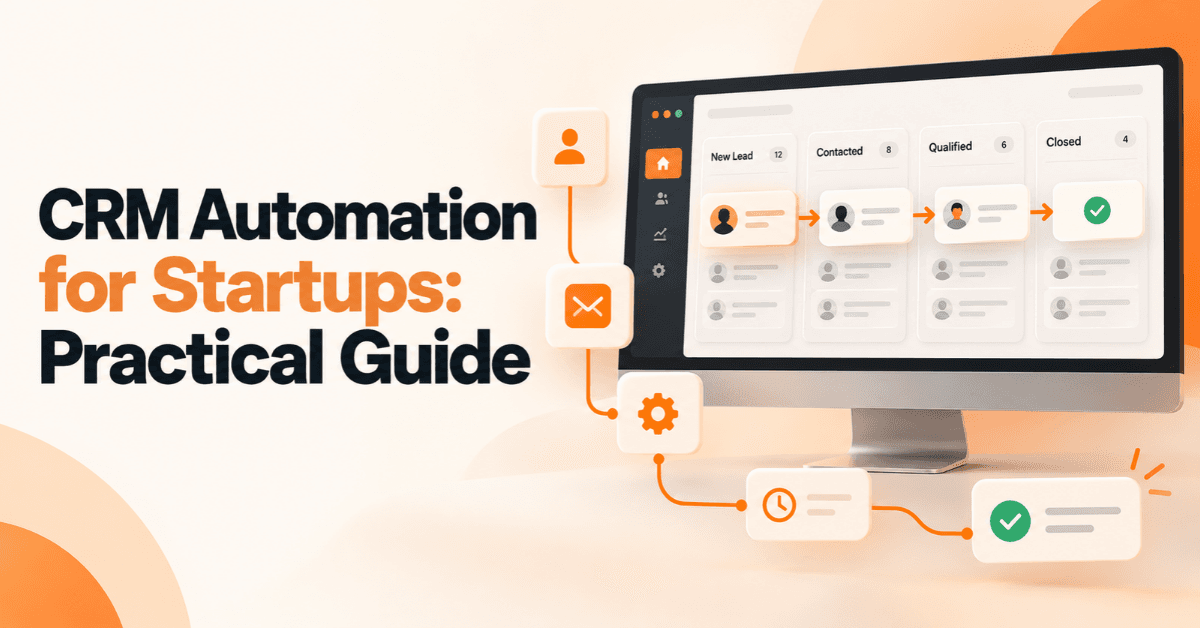
CRM Automation for Startups: A Practical Guide
CRM Automation for Startups helps streamline lead management, automate sales workflows, improve follow-ups, connect tools, and support scalable business growth.
 Automation
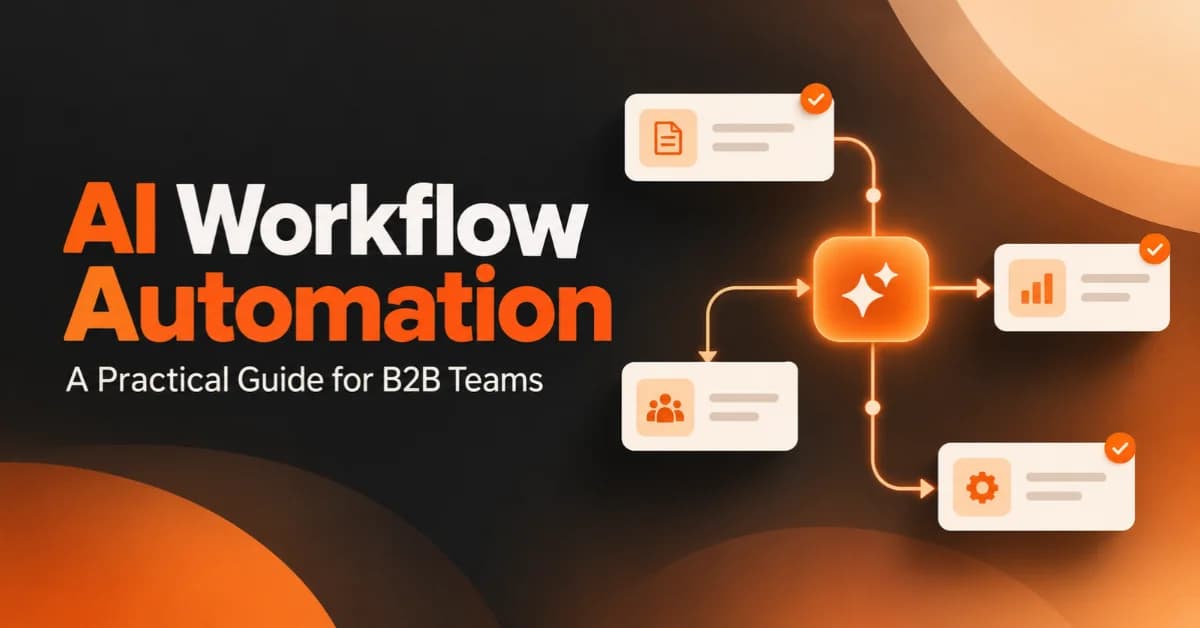
AI Workflow Automation: A Practical Guide for B2B Teams
Learn how AI workflow automation helps B2B teams improve efficiency, automate repetitive tasks, connect systems, measure ROI, and scale business operations.