

Sales Automation: What to Automate and What Not To
Discover how Sales Automation can streamline lead management, CRM workflows, follow-ups, and reporting while keeping important customer interactions human.

Sales teams do not usually lose productivity because they lack effort. They lose it because too much of that effort goes into repetitive work. Copying lead details into a CRM, assigning prospects, sending routine follow-ups, scheduling meetings, updating deal stages, and preparing reports can consume hours every week. Sales Automation can take much of that work off the team's plate.
But there is an important distinction: not everything in sales should be automated.
The strongest sales systems automate repetitive processes while keeping people involved in conversations that require trust, judgment, empathy, negotiation, and creativity. In other words, the goal is not to replace the salesperson. It is to give the salesperson more time to sell.
What Is Sales Automation?
Sales Automation is the use of software, CRM systems, integrations, and predefined workflows to handle repetitive activities within the sales process. Instead of requiring a salesperson to manually complete every administrative step, an automated system can perform certain actions when a specific event occurs.
For example, when someone submits a form on your website, an automated process could:
Create a lead in the CRM.
Record where the lead came from.
Apply basic qualification criteria.
Assign the lead to the right salesperson.
Send a confirmation email.
Create a follow-up task.
Notify the salesperson.
The salesperson can then focus on understanding the prospect and moving the opportunity forward.
How Sales Automation Works
A typical automated sales process connects several stages of the customer journey.
These can include:
Lead capture
Lead management
Lead scoring
Lead assignment
CRM data entry
Follow-up reminders
Email sequences
Meeting scheduling
Pipeline management
Sales reporting
Customer handoffs
The technology handles predictable actions according to rules defined by the business.
This matters because automation is most useful when it removes friction without removing the human element from selling.
Sales Automation vs. Manual Sales Processes
In a manual process, a salesperson may check forms, copy information into a CRM, remember when to follow up, update deal stages, and prepare reports. With automation, the system can perform many of these administrative actions automatically. The difference is not simply about using more technology. It is about deciding where human time creates the most value.
A salesperson should spend less time maintaining the system and more time speaking with qualified prospects, understanding their needs, handling objections, and developing relationships.
What Should You Automate in the Sales Process?
A good rule is to automate tasks that are repetitive, predictable, time-consuming, and based on clear rules. If a task happens frequently and requires little judgment, it is usually a strong candidate for automation.
Lead Capture and Data Entry
Lead capture is one of the simplest areas to automate. When a visitor fills out a website form, requests a quotation, downloads a resource, or books a consultation, the information can automatically flow into the CRM.
You can automate:
Contact creation
Lead source tracking
Form submissions
Lead tagging
CRM record creation
Basic data synchronization
Internal notifications
This eliminates unnecessary copying between forms, spreadsheets, email inboxes, and CRM systems.
It also helps reduce the chance of losing a potential customer because someone forgot to enter the enquiry.
Lead Qualification and Routing
Businesses can automate parts of lead qualification using predefined criteria.
For example, a company might assign higher scores to leads based on:
Industry
Company size
Location
Requested service
Website activity
Form responses
Previous interactions
When a lead meets certain criteria, the CRM can notify the appropriate salesperson. However, automation should not automatically make every qualification decision.
A lead score provides useful information, but it does not always reveal the prospect's actual buying intent. A salesperson should still review important opportunities and apply human judgment.
Follow-Up Reminders and Scheduling
A promising lead can easily become a lost opportunity when nobody follows up at the right time.
Automation can create reminders when:
A new lead arrives
A sales call ends
A proposal is sent
A prospect misses a meeting
A lead becomes inactive
A deal remains unchanged for too long
Meeting scheduling can also become easier when prospects can select an available time without exchanging multiple emails.
The system manages the scheduling process while the salesperson focuses on the actual conversation.
Routine Email Follow-Ups
Some sales emails are highly suitable for automation.
These can include:
Lead confirmation emails
Meeting reminders
Educational email sequences
Demo follow-ups
Proposal reminders
Re-engagement messages
However, automated communication should not mean sending identical messages to everyone.
Good automation uses relevant information such as the prospect's industry, interests, previous actions, or position in the buying journey.
The objective should be relevance at scale, not simply sending more emails.
Sales Reporting and Pipeline Updates
Sales managers often spend too much time collecting information instead of using it. Automation can help by keeping CRM information updated and making reporting easier.
Businesses can automate:
Pipeline reports
Activity tracking
Deal-stage updates
Conversion reports
Performance alerts
Sales dashboards
Follow-up activity
This gives managers a clearer view of the pipeline without asking salespeople to spend hours creating manual reports.
What Are Sales Workflows and How Can You Automate Them?
Sales workflows are sequences of actions that occur when predefined conditions are met.
Think of a workflow as a set of instructions:
When this happens → do this → then do this → then notify this person.
For example, when a new website enquiry arrives, the system can create a CRM record, assign the lead, send a confirmation message, and create a follow-up task.
That is sales workflow automation in practice.
Example of an Automated Sales Workflow
Imagine a B2B company receives a new enquiry through its website.
The workflow could look like this:
New enquiry → CRM record → Lead qualification → Salesperson assignment → Confirmation email → Follow-up task → Sales conversation → Opportunity created
The system handles the administrative steps.
The salesperson handles the parts that require understanding, judgment, and communication.
This distinction is important because a well-designed workflow does not try to turn the entire sales process into a machine.
It creates a reliable structure around the human sales process.
Useful Sales Workflow Automation Examples
Businesses can create workflows for:
New lead management
Demo requests
Consultation bookings
Follow-up reminders
Proposal follow-ups
Inactive lead reactivation
Lost-lead nurturing
Customer onboarding handoffs
Internal sales notifications
Start with simple workflows that solve obvious problems.
A complicated automation system is not automatically a better one. If employees cannot understand why a workflow exists or what it does, maintaining it becomes difficult.
What Should You NOT Automate in Sales?
This is where many businesses get automation wrong. If an activity requires empathy, negotiation, creativity, strategic thinking, or relationship-building, it should usually remain human-led.
Automation can support these activities, but it should not completely replace them.
Relationship-Building Conversations
Customers want to feel understood, particularly when the purchase is important or complicated.
Do not completely automate:
Discovery calls
Strategic client conversations
High-value account discussions
Sensitive customer concerns
Complex service conversations
Automation can remind a salesperson to make a call.
It should not attempt to replace the call with an endless sequence of automated messages.
Complex Sales Negotiations
Negotiation requires context.
A customer may have budget restrictions, specific requirements, internal approval processes, competing offers, or concerns that cannot be captured by a simple workflow.
Avoid completely automating:
Pricing negotiations
Contract discussions
Custom proposals
Complex objections
Enterprise deals
Technology can give salespeople better information, but humans should generally lead the negotiation.
High-Value Customer Interactions
The more valuable or strategic the prospect, the more important personalization becomes. A generic automated sequence may be acceptable for early-stage nurturing, but a high-value prospect may expect a conversation tailored to their business.
Human involvement is particularly important when the customer expects:
Personalized recommendations
Industry expertise
Strategic guidance
Custom solutions
Fast answers to complex questions
Use automation in the background while keeping the customer experience personal.
Final Buying Decisions and Strategic Recommendations
Automation can organize information and identify patterns. It can help a salesperson understand which leads are active, which deals are slowing down, and which customers may need attention.
But important recommendations should still involve human oversight.
This is especially true when the purchase involves substantial investment, multiple stakeholders, complex requirements, or long-term business consequences.
CRM Automation: What It Can and Cannot Do
CRM automation helps sales teams reduce repetitive customer and pipeline management tasks. A CRM becomes much more valuable when it does more than store contact information. With appropriate workflows, it can help organize what happens next.
CRM Tasks Worth Automating
Consider automating:
Lead assignment
Contact creation
Follow-up tasks
Internal notifications
Appointment reminders
Routine pipeline updates
Activity logging
Data synchronization
Standard reports
These activities generally follow predictable rules.
Automating them allows salespeople to spend less time maintaining records.
CRM Tasks That Need Human Oversight
Some CRM activities should still involve people.
These include:
Customer qualification
Complex deal strategy
Relationship management
Strategic account planning
Negotiation
Personalized recommendations
Sensitive customer communication
A CRM should help salespeople make better decisions.
It should not turn every customer interaction into an automated sequence.
How Sales Process Automation Improves Sales Efficiency
Sales process automation can improve efficiency by removing unnecessary manual steps from the sales journey. The benefit is not simply saving a few minutes here and there. When repetitive tasks happen hundreds or thousands of times, small improvements can add up.
Reduce Administrative Work
Salespeople can spend less time entering data, setting reminders, and preparing routine reports. That creates more time for prospecting, meetings, discovery, and closing opportunities.
Respond to Leads Faster
Automation can immediately notify the right salesperson when a new lead arrives. Instead of waiting for someone to check a spreadsheet or inbox, the system can trigger the next step automatically.
Improve Follow-Up Consistency
Good prospects should not be forgotten simply because a salesperson is busy. Automated reminders and workflows create a more consistent follow-up process. The system supports the salesperson's memory rather than expecting the salesperson to remember everything.
Give Managers Better Pipeline Visibility
Centralized sales information makes it easier to identify:
Stalled opportunities
Follow-up gaps
Pipeline bottlenecks
Lead conversion problems
Changes in sales activity
Managers can then focus on improving the process instead of chasing missing information.
Support Business Growth
As a business grows, lead volume usually increases. Without automation, more leads can mean proportionally more administrative work. With the right systems, businesses can handle more repetitive activity without adding the same amount of manual effort.
How to Decide What to Automate in Your Sales Team
Before automating a task, ask five simple questions.
The 5-Question Automation Test
1. Is the task repetitive?
If employees perform it constantly, automation may help.
2. Does it follow predictable rules?
Tasks with clear conditions are easier to automate.
3. Does it consume significant staff time?
Prioritize tasks that create a noticeable administrative burden.
4. Can software perform it consistently?
If the task depends heavily on context or judgment, automation may not be appropriate.
5. Will automation improve the customer experience?
This is the most important question.
A task can be technically easy to automate but still create a worse customer experience.
If automation makes the customer journey slower, less relevant, or less personal, reconsider the workflow.
Common Sales Automation Mistakes to Avoid
Automation works best when businesses improve the process before automating it.
Automating Everything
More automation does not automatically produce better sales. If every interaction feels scripted, customers may feel that nobody is actually listening to them. Automate repetitive work, not every conversation.
Using Poor-Quality CRM Data
Automation is only as reliable as the information behind it. Duplicate records, outdated contact details, missing fields, and incorrect lead information can cause workflows to behave incorrectly. Before building complex CRM automation, clean and organize your data.
Sending Too Many Automated Emails
Automation makes it easy to send messages. That does not mean customers want more messages. Every automated email should have a clear purpose. Consider whether the message is timely, relevant, and useful before adding it to a sequence.
Ignoring Human Oversight
Automated systems still need monitoring. Review workflows regularly to identify errors, outdated rules, poor customer responses, or opportunities to improve the process.
Measuring Activity Instead of Outcomes
A workflow that sends hundreds of emails is not necessarily successful.
Focus on meaningful business outcomes such as:
Qualified leads
Conversion rate
Response time
Sales cycle length
Revenue
Customer retention
The goal is not more automation.
The goal is better sales performance.
Sales Automation Example for a Growing Business
Consider a growing B2B company that receives enquiries through its website. Before automation, employees manually checked website forms, copied information into spreadsheets, assigned leads, remembered follow-ups, and prepared weekly reports.
The process created several problems.
Some leads received delayed responses. Follow-ups depended on individual employees. Managers had limited visibility into the pipeline.
The company then introduced a simple sales automation workflow.
New enquiries automatically entered the CRM. The system recorded the lead source, applied basic qualification criteria, assigned suitable leads, sent a confirmation message, and created a follow-up task.
The sales representative still handled the discovery call, answered questions, addressed objections, prepared the proposal, and negotiated the deal.
That is the right balance.
The system handles repetitive work. The salesperson handles the relationship.
How to Implement Sales Automation Without Losing the Human Touch
Successful automation starts with understanding your existing process.
Step 1: Map Your Existing Sales Process
Write down what happens from the moment a lead arrives until the deal closes. Include every major stage, task, handoff, and customer interaction.
Step 2: Identify Repetitive Tasks
Look for activities that employees perform repeatedly. These are often your easiest automation opportunities.
Step 3: Start With High-Impact Workflows
Do not automate everything at once.
Start with practical areas such as:
Lead capture
Lead routing
Follow-up reminders
CRM updates
Meeting scheduling
Reporting
Step 4: Keep Human Checkpoints
Decide where a salesperson must review information or communicate directly with the customer. This is particularly important for complex and high-value opportunities.
Step 5: Measure and Improve
After implementation, monitor the results. Look at response time, qualified leads, conversion rate, sales cycle length, and revenue. If a workflow does not improve the process, change it. Automation should evolve as the business and customer journey evolve.
FAQ
What is sales automation?
Sales automation uses software and predefined workflows to handle repetitive sales activities such as lead capture, CRM updates, follow-up reminders, scheduling, and reporting.
What tasks should be automated in sales?
Businesses should generally automate repetitive, predictable, and administrative tasks. Common examples include lead entry, lead routing, reminders, scheduling, routine emails, CRM updates, and reporting.
What should not be automated in sales?
Businesses should avoid completely automating activities that require empathy, strategic judgment, negotiation, creativity, or relationship-building. These include important sales conversations, complex negotiations, and strategic customer recommendations.
What is CRM automation?
CRM automation uses a customer relationship management platform to perform repetitive tasks automatically. These may include assigning leads, creating follow-up tasks, updating records, sending notifications, and generating reports.
How does sales process automation improve efficiency?
It can reduce administrative work, improve response speed, create more consistent follow-ups, improve pipeline visibility, and give salespeople more time to focus on customers.
Can sales automation replace salespeople?
No. Sales automation can reduce repetitive work, but human judgment and relationship-building remain important. The strongest sales systems combine automation with human expertise.
How BrandVexo Can Help Businesses Build Smarter Sales Workflows
The purpose of automation is not to make sales less human. It is to remove repetitive work so your team can spend more time understanding customers, solving problems, and developing valuable relationships. BrandVexo helps businesses explore opportunities across AI automation, sales workflows, digital marketing, lead generation, process optimization, and business solutions. The right approach starts with identifying where your current process slows down and then deciding which tasks technology can handle more efficiently.
If you are unsure what to automate, start with your existing sales workflow rather than starting with a tool. Identify the repetitive bottlenecks first, then build automation around them.
BrandVexo
Phone: +971 52 356 5409
Email: info@brandvexo.com
Website: www.brandvexo.com
Final Takeaway
The smartest approach to Sales Automation is not to automate everything. Automate the tasks that are repetitive, predictable, and administrative. Keep people involved when customers need empathy, judgment, negotiation, creativity, or strategic guidance.
Use CRM automation to organize customer information. Build sales workflows to create consistency. Apply sales process automation to reduce unnecessary manual work.
Disclaimer: This article is for general informational purposes only and does not constitute professional business, legal, or technology advice. Sales automation results may vary depending on your business, tools, data, and implementation.
Free growth plan
Ready to grow your business?
Reading is a start — now let's build it. Tell us where you want to grow and a senior strategist will map the fastest, most profitable way to get there. Free, no obligation.
Discussion
Join the conversation
Be the first to comment. Comments are reviewed before they appear, so yours won't show up instantly — but we read every one.
Leave a comment
Keep reading
All articles
WhatsApp Lead Automation for Service Firms: A Guide
Learn how WhatsApp lead automation helps service firms capture leads, automate follow-ups, connect CRM systems, and book more appointments.
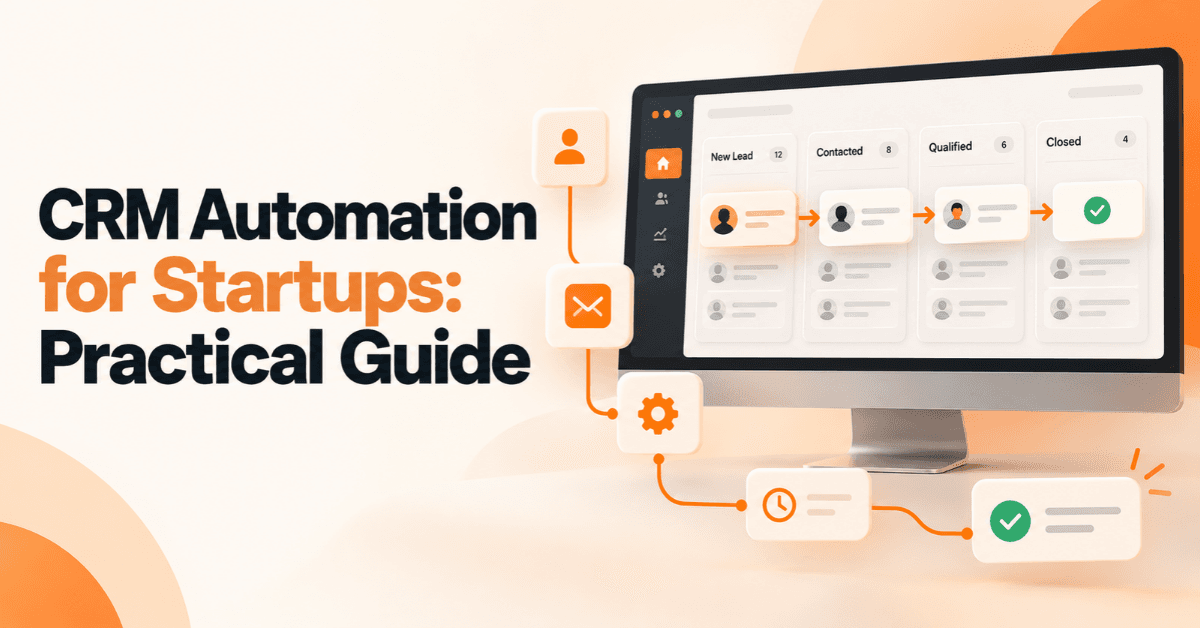
CRM Automation for Startups: A Practical Guide
CRM Automation for Startups helps streamline lead management, automate sales workflows, improve follow-ups, connect tools, and support scalable business growth.
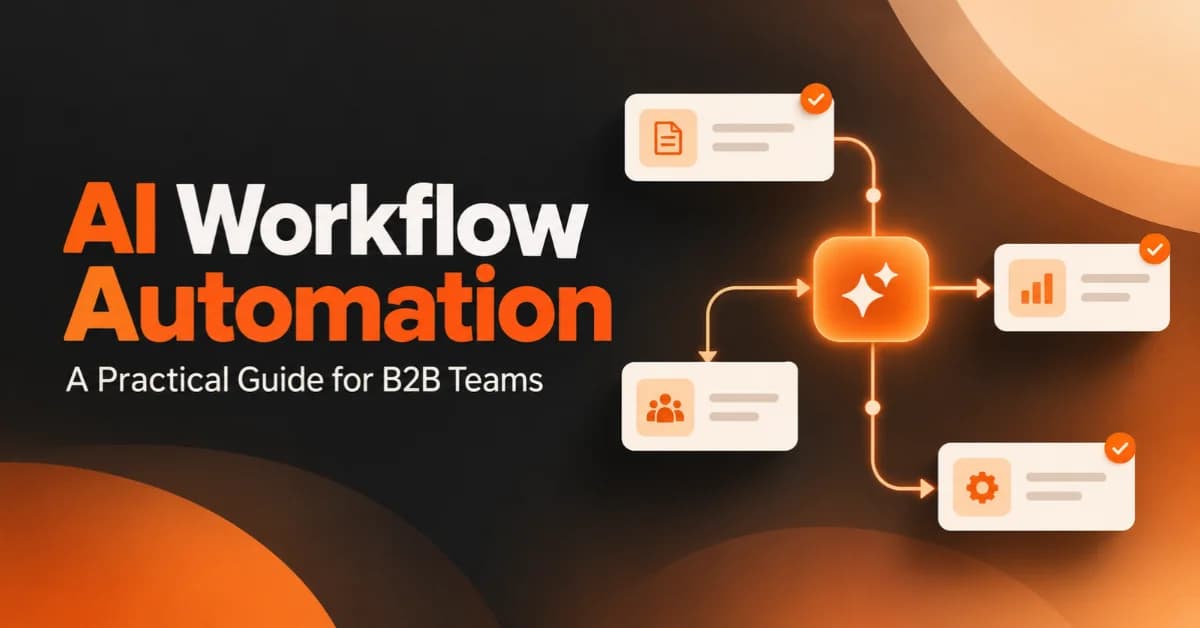
AI Workflow Automation: A Practical Guide for B2B Teams
Learn how AI workflow automation helps B2B teams improve efficiency, automate repetitive tasks, connect systems, measure ROI, and scale business operations.